


Manually tracking keyword rankings, pulling data from Google Analytics, and compiling technical audit findings into a coherent report is a massive time sink.
It’s a tedious process that diverts your focus from what truly matters: strategy and execution.
The right SEO reporting tool doesn’t just automate data collection; it transforms raw numbers into actionable insights that justify your efforts, prove ROI to stakeholders, and guide your next campaign.
This guide moves beyond generic feature lists to give you a practical, real-world assessment of the market’s top solutions.
We’ve analyzed the 12 best SEO reporting tools available today to help you find the perfect fit for your specific needs.
Whether you’re an agency needing scalable white-label reports, an in-house team focused on tying organic performance to revenue, or a local business aiming to dominate regional search results, the right platform is in this list.
We break down the distinct advantages and ideal use cases for each option, from all-in-one suites like Semrush and Ahrefs to specialized dashboard tools like Databox and AgencyAnalytics.
Each review is structured for clarity, complete with direct links and screenshots to give you a clear view of the user experience.
You’ll gain a comprehensive understanding of the landscape, enabling you to select a tool that elevates your reporting from a simple chore to a powerful strategic asset.
This guide will help you stop juggling spreadsheets and start making data-driven decisions that generate tangible growth.
1. Semrush
Semrush is far more than just a reporting tool; it’s a comprehensive digital marketing suite that makes it one of the best SEO reporting tools for agencies and in-house teams who need an all-in-one solution.
Its strength lies in consolidating vast amounts of data from competitive analysis, site audits, rank tracking, and backlink monitoring into a cohesive reporting framework.
The platform excels at creating automated, recurring reports that can be scheduled and sent directly to clients or stakeholders.
This functionality saves countless hours. For agencies, the white-label feature on higher-tier plans allows for complete brand customization, adding a professional touch to client deliverables.
Key Reporting Features & Pricing
Semrush’s reporting capabilities scale significantly with its pricing tiers.
The Pro plan offers basic project and PDF reporting. However, the true power is unlocked at the Guru level ($249.95/mo), which introduces historical data and a native Looker Studio (formerly Google Data Studio) connector.
This integration allows for the creation of highly customized, dynamic dashboards that blend Semrush data with other sources like Google Analytics. The Business plan ($499.95/mo) adds API access for complete data integration into proprietary systems.
- Pros:
- Extensive toolset covering almost every aspect of SEO.
- Powerful competitive intelligence features provide deep market insights.
- Robust automation and white-labeling for agency-level reporting.
- Cons:
- The platform can be overwhelming for beginners due to its sheer number of tools.
- Costs can escalate quickly with additional users or specialized add-ons.
For those looking to get the most out of this powerful platform, it’s beneficial to learn more about how Semrush can transform your SEO strategy. Its comprehensive nature justifies the investment for teams that require deep data analysis and streamlined reporting workflows.
Check – Detailed SEMRush review with all the features, pros and cons of SEMrush.
2. Ahrefs
Ahrefs has earned its reputation as a powerhouse in the SEO world, primarily due to its industry-leading backlink index and competitor analysis capabilities.
It stands out as one of the best SEO reporting tools for professionals who prioritize off-page SEO and deep competitive intelligence.
The platform’s strength is in turning its massive crawl data into clear, actionable reports within its Site Explorer, Rank Tracker, and Site Audit tools.
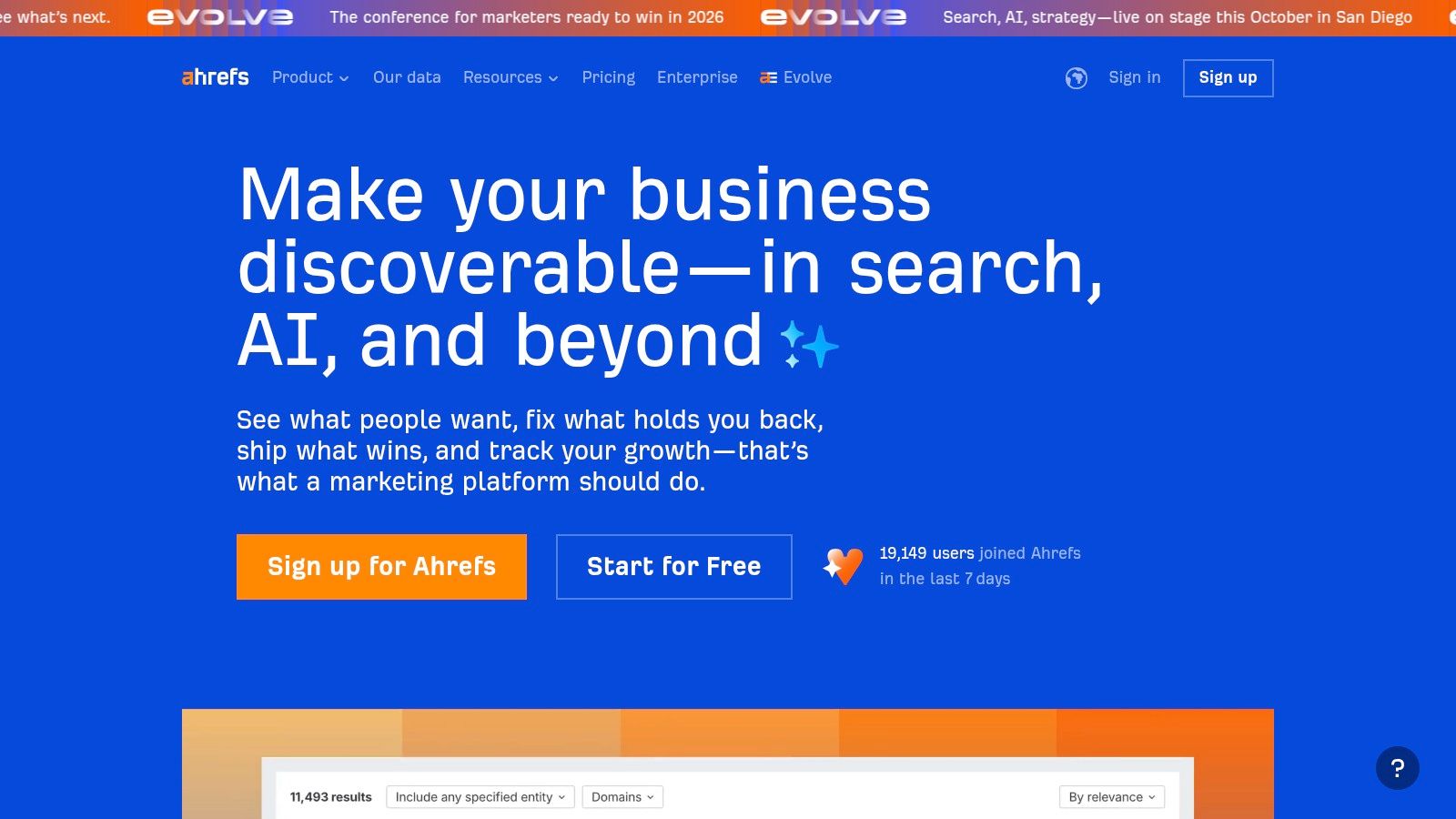
The platform provides a highly intuitive user interface where generating reports on backlink profiles, keyword movements, or technical site health is straightforward.
While it offers the ability to export data and share dashboards, its native reporting is geared more towards in-platform analysis.
For more advanced, customized reporting, Ahrefs offers a Looker Studio integration on its higher-tier plans, allowing users to build comprehensive dashboards for clients or internal teams.
Key Reporting Features & Pricing
Ahrefs’ reporting functionality is built into its core toolset, with access scaling across its plans.
The Lite plan ($99/mo) provides access to all core tools with certain data limits.
To get more historical data and unlock features like the Looker Studio connector, users will need to subscribe to the Standard ($199/mo) or Advanced ($399/mo) plans.
The Advanced plan, in particular, is where reporting becomes more robust with extended data history and greater API access for custom integrations.
- Pros:
- Exceptional backlink index and competitive research capabilities.
- Clean, user-friendly interface with excellent data visualizations.
- Powerful historical data for tracking long-term SERP and competitor trends.
- Cons:
- Entry-level pricing is higher compared to some competitors.
- Advanced reporting features like the Looker Studio connector are gated behind more expensive plans.
For teams whose strategy is heavily dependent on link building and dissecting competitor tactics, Ahrefs provides unparalleled data depth. Its clear reporting views make it an indispensable tool for forming data-driven SEO strategies based on a solid competitive landscape analysis.
Check – Detailed Ahrefs Review
3. Moz Pro
Moz Pro is a stalwart in the SEO industry, renowned for its user-friendly interface and powerful proprietary metrics like Domain Authority (DA).
It stands out as one of the best SEO reporting tools for small-to-medium-sized businesses (SMBs) and agencies that prioritize clarity and actionable insights over an overwhelming volume of data.
The platform simplifies complex SEO concepts into digestible reports, making it ideal for teams where not everyone is an SEO expert.
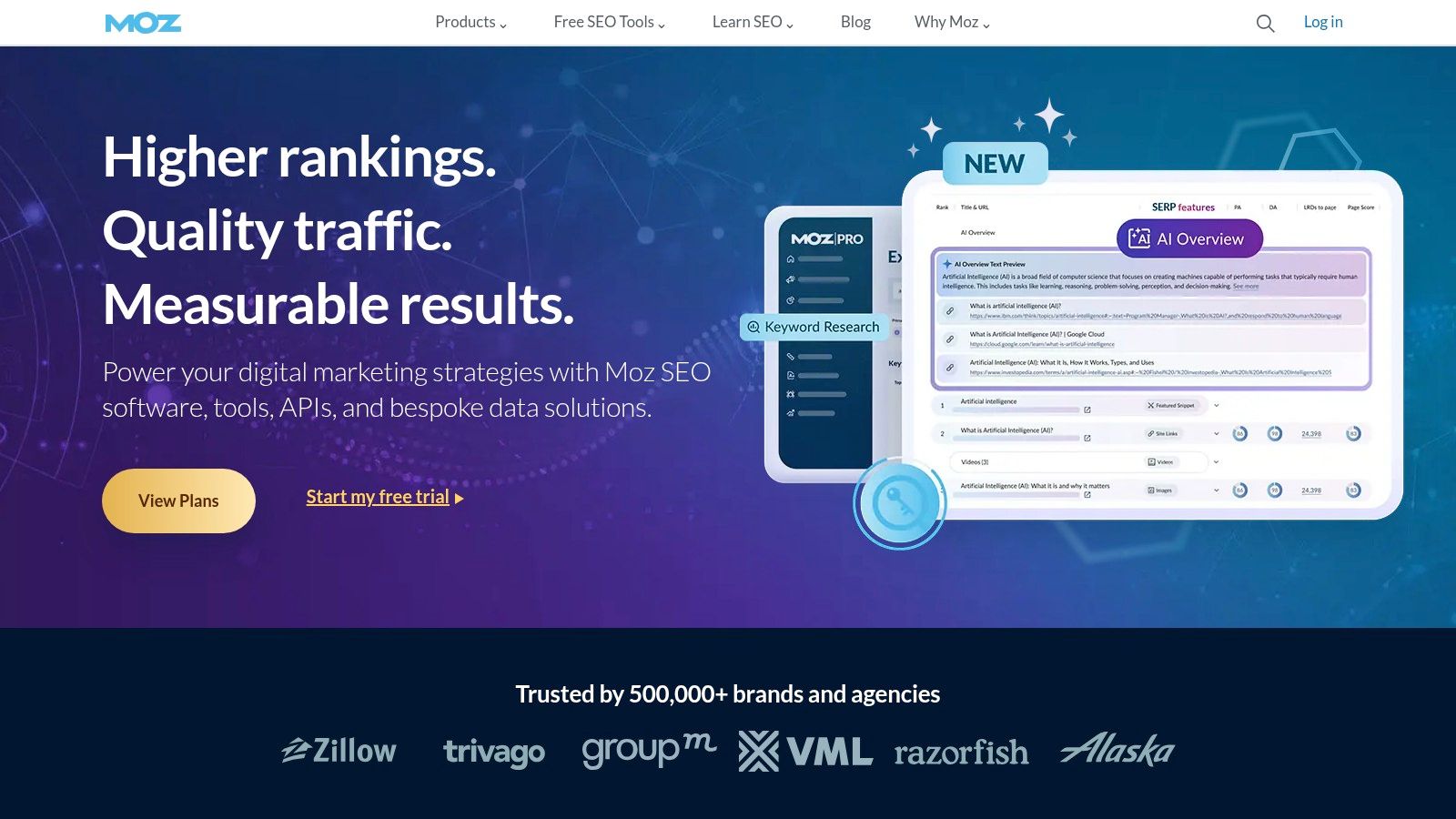
The platform’s strength lies in its Campaign-based reporting, which tracks site health, link building efforts, and keyword rankings over time.
Moz Pro makes it easy to generate automated, branded PDF reports that can be scheduled for delivery, ensuring clients and stakeholders are consistently updated on performance without manual intervention.
This focus on streamlined, presentable reporting is a key differentiator.
Key Reporting Features & Pricing
Moz Pro’s plans are structured to grow with your business, starting with the Standard plan at $99/mo, which offers basic campaign reporting.
The Medium plan ($179/mo) unlocks branded reports and templates, a crucial feature for agencies.
For those needing more robust capabilities, the Large ($299/mo) and Premium ($599/mo) plans significantly increase the limits on keyword tracking, site crawls, and on-demand reporting, providing greater flexibility for larger or multiple client accounts.
- Pros:
- Highly intuitive interface and easy-to-understand reports.
- Reputable and widely used link metrics (Domain Authority, Page Authority).
- Excellent for tracking local SEO and managing on-page recommendations.
- Cons:
- Backlink index is less comprehensive than some direct competitors.
- Data limits on lower-tier plans can be restrictive for growing needs.
For businesses looking to leverage Moz Pro’s powerful site crawl and optimization features, it is crucial to understand its practical application. You can discover how Moz Pro’s tools can enhance your on-page SEO strategy and improve site health. Its blend of powerful tools and accessible reporting makes it a top contender.
Check – Detailed Moz Review
4. SE Ranking
SE Ranking carves out a significant niche by offering a robust, agency-focused toolkit at a highly competitive price point, making it one of the best SEO reporting tools for growing teams and freelancers.
It strikes an impressive balance between comprehensive features and affordability. The platform is particularly strong in its flexible project management and reporting capabilities, designed to streamline client communication.
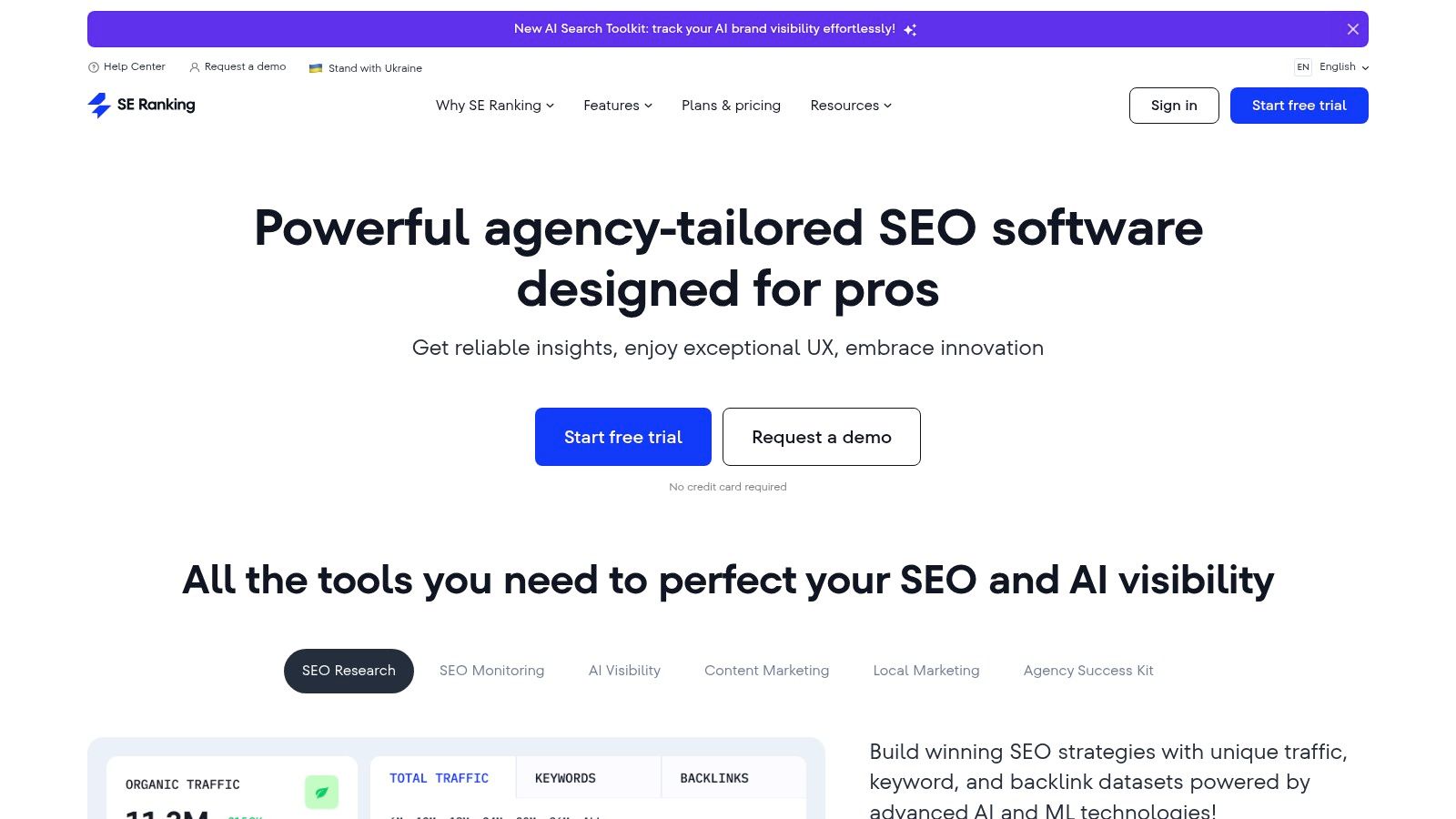
Its reporting suite is built for efficiency, allowing users to generate automated, scheduled reports that are fully customizable.
The white-label feature, available on the Pro plan and higher, is a major draw for agencies wanting to deliver branded, professional-looking analytics to their clients.
SE Ranking also integrates modern tech, like AI-powered report summaries, to help distill complex data into actionable insights quickly.
Key Reporting Features & Pricing
SE Ranking’s value proposition is clear across its pricing structure. While the Essential plan offers basic reporting, the Pro plan ($109/mo) is where its agency features shine, introducing unlimited scheduled reports and full white-labeling. This plan also unlocks the native Looker Studio integration and API access, enabling the creation of advanced, multi-source dashboards. The Business plan ($239/mo) further expands limits for larger-scale operations.
- Pros:
- Excellent value for money, especially at lower and mid-tier plans.
- Flexible project and reporting options are highly tailored to agency workflows.
- Includes useful AI insights and Share of Voice metrics for competitive analysis.
- Cons:
- The backlink database is less extensive compared to top-tier competitors like Semrush or Ahrefs.
- The user interface can have a slight learning curve for those new to SEO platforms.
For agencies and small businesses seeking a powerful, cost-effective reporting solution without the premium price tag of an all-in-one giant, SE Ranking presents a compelling and scalable alternative. It delivers the core reporting functionality needed to prove value and drive strategy.
5. AgencyAnalytics
AgencyAnalytics is purpose-built for the digital marketing agency, making it one of the best SEO reporting tools for teams juggling multiple clients.
It stands out by focusing entirely on streamlined, automated client reporting, acting as a central hub that pulls data from over 80 different marketing platforms, including Google Analytics, Search Console, Ahrefs, and social media channels.
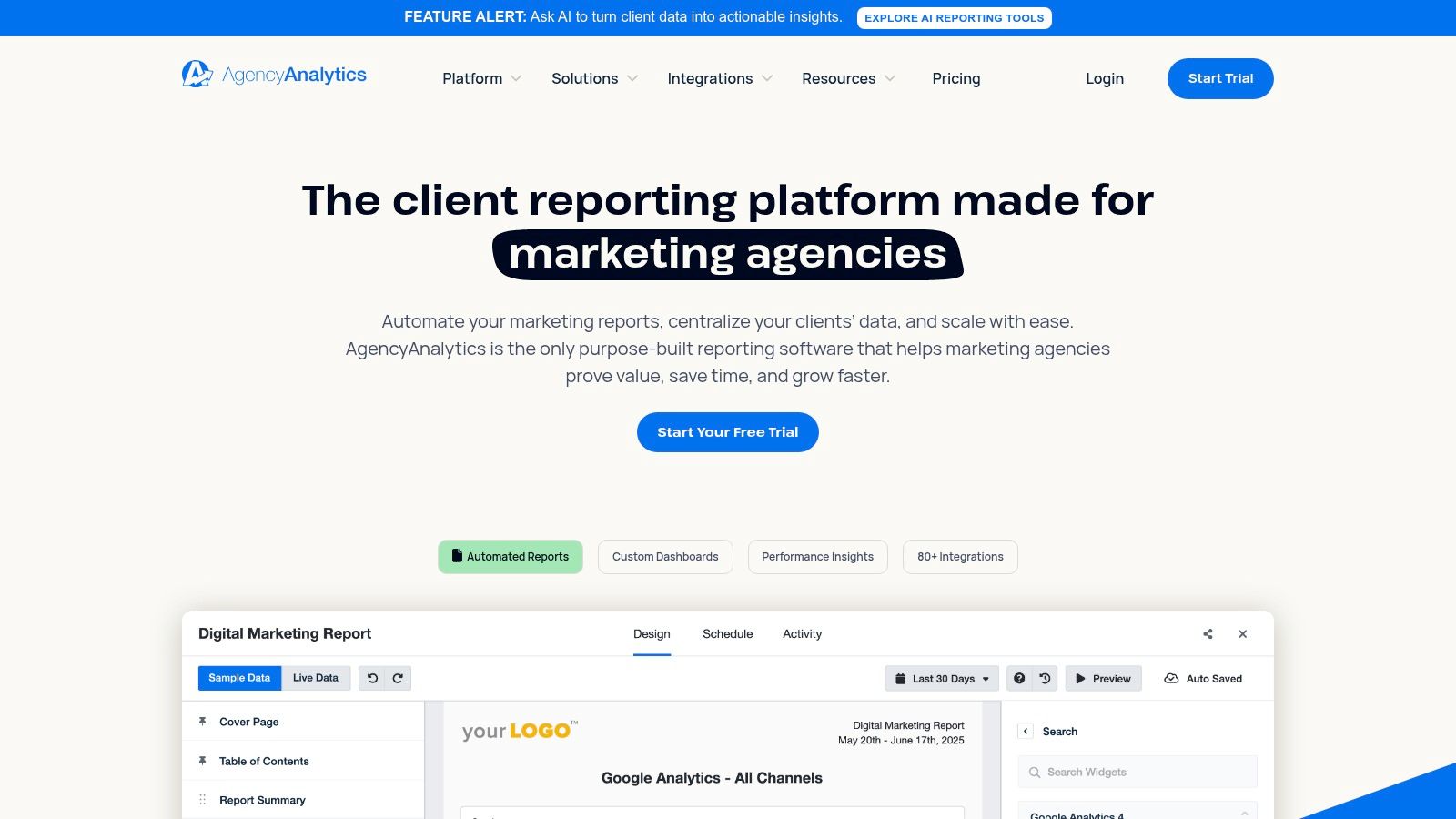
The platform’s primary strength is its efficiency. It dramatically reduces the manual hours spent on compiling monthly reports by offering drag-and-drop dashboards and templates that can be deployed across numerous client accounts in minutes. Its white-label client portal provides a professional, branded space for clients to log in and view their performance data at any time, fostering transparency and trust.
Key Reporting Features & Pricing
AgencyAnalytics’ pricing is designed to scale with an agency’s growth, with plans based on the number of client campaigns. The Freelancer plan ($49/mo) supports 10 campaigns, while the Agency plan ($99/mo) covers 15 and is the most popular starting point. True power-users will look to the Agency Pro plan ($499/mo), which unlocks advanced features like custom metrics, goal tracking, and data forecasting. For large-scale operations needing complete customization, the Enterprise plan offers API access and single sign-on (SSO).
- Pros:
- Exceptionally fast and easy to set up, with a user-friendly interface.
- Integrates with a vast library of marketing tools for all-in-one reporting.
- Transparent, scalable pricing based on client count is ideal for growing agencies.
- Cons:
- Lacks the deep, native SEO research tools of platforms like Semrush or Ahrefs.
- Advanced features and connectors for data warehousing come at higher price tiers.
For agencies prioritizing reporting speed and client management over in-depth, all-in-one analytics, AgencyAnalytics provides an unparalleled solution for delivering professional, automated reports at scale.
Its focus on integration and ease of use solidifies its place as a top-tier reporting platform.
6. DashThis
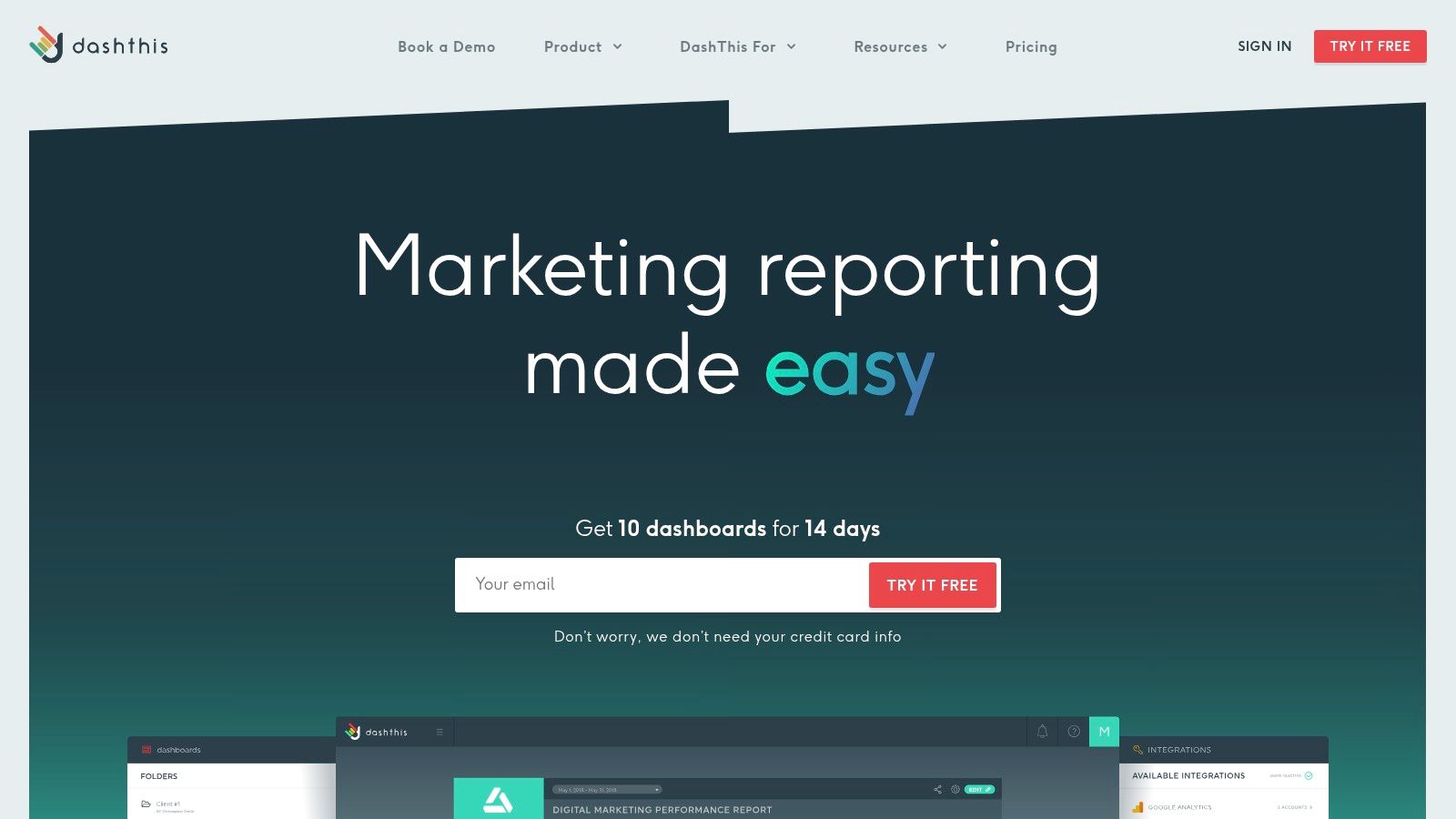
DashThis is not an SEO research platform but a dedicated dashboarding tool that excels at simplifying the reporting process.
It stands out as one of the best SEO reporting tools for agencies and marketers who prioritize creating clean, easy-to-understand client reports without a steep learning curve.
Its core strength is pulling data from multiple sources like Google Analytics 4, Search Console, and various ad platforms into visually appealing, pre-built templates.
The platform is designed for speed and simplicity. Users can quickly drag and drop widgets, select key SEO KPIs, and set up automated email or PDF dispatches.
This makes it ideal for non-technical team members who need to produce professional, white-labeled reports regularly without getting bogged down in complex data manipulation.
Key Reporting Features & Pricing
DashThis offers a straightforward pricing model based on the number of dashboards needed, which is predictable and easy to manage.
The Individual plan starts at $45/mo for 3 dashboards, with the Professional plan at $139/mo for 10 dashboards.
All plans include unlimited integrations, users, and access to all report templates and white-label features, making even the entry-level tiers quite powerful for reporting. Key features include pre-built widgets for essential SEO metrics, scheduled reporting, and shareable links for live dashboards.
- Pros:
- Extremely simple and intuitive setup process.
- Excellent for non-technical users who need to create reports quickly.
- Predictable pricing based on dashboard count, not users or integrations.
- Cons:
- Lacks the deep SEO research and analysis features of all-in-one suites.
- Costs can escalate for agencies managing a large volume of individual client dashboards.
For those who already have their core SEO tools but struggle with the final reporting step, DashThis provides an elegant and efficient solution to consolidate and present data beautifully.
7. Databox
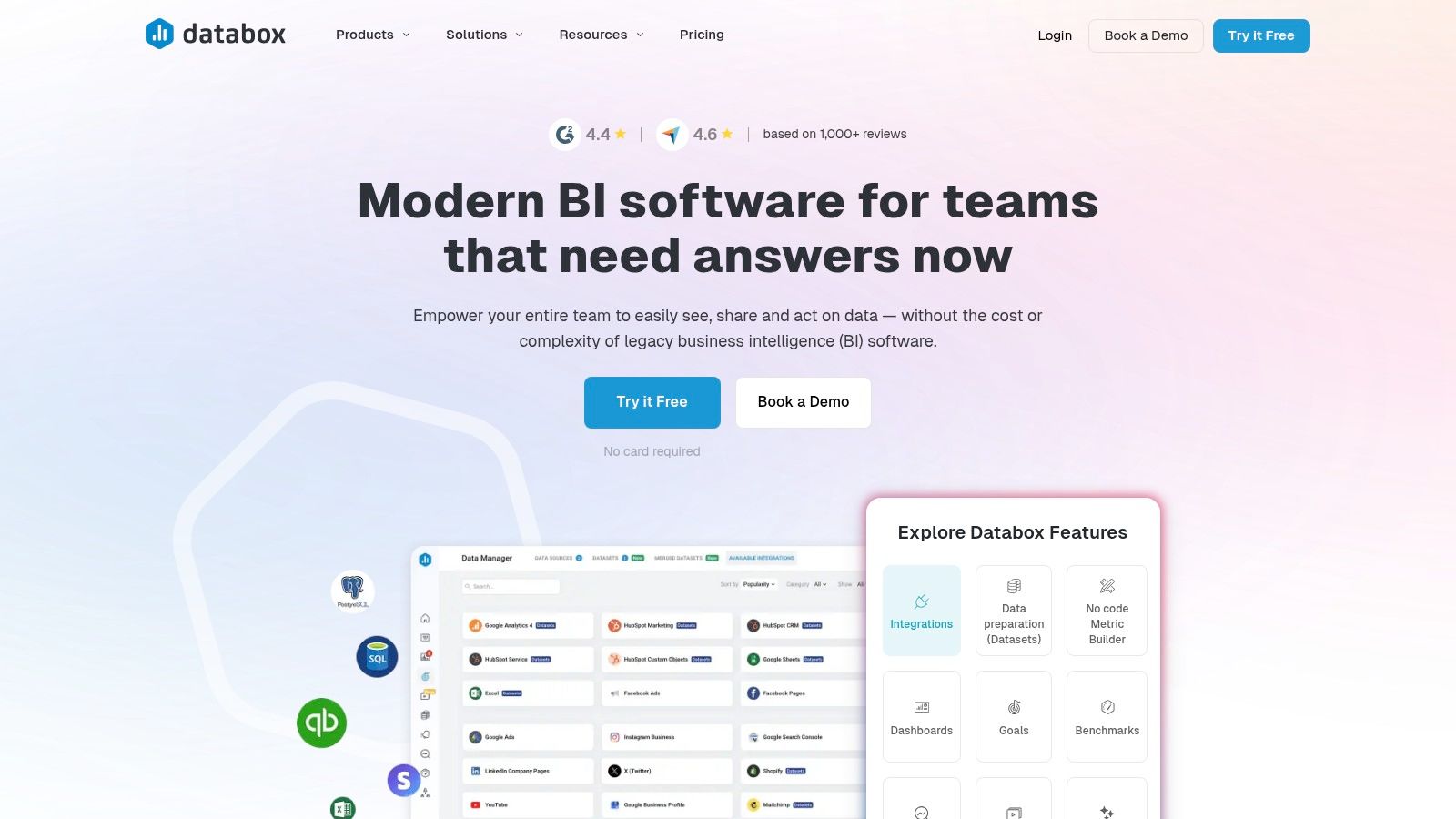
Databox brings a business intelligence (BI) approach to SEO reporting, making it one of the best SEO reporting tools for teams that need to visualize performance from multiple data sources in one place.
Its core strength is its vast library of over 130 native integrations, allowing you to pull data from Google Analytics 4, Google Search Console, HubSpot, and various social media and ad platforms into a single, cohesive dashboard.
The platform is designed for creating high-level, visually appealing dashboards perfect for executive summaries and stakeholder updates.
Its AI-powered features, like automated performance insights and forecasting, help translate complex data into clear, actionable narratives, saving significant time on manual analysis and interpretation.
Key Reporting Features & Pricing
Databox’s pricing is based on the number of data connections and dashboards needed.
While it has historically offered a popular free plan, this is being retired in 2025. Paid plans start at the “Starter” level ($49/mo) and scale up, offering more data connections and faster data syncs.
Advanced features like a white-label add-on are available for agencies.
The platform’s real power for data-heavy teams is in its advanced connectors for SQL databases, spreadsheets, and API access, allowing for truly custom reporting solutions.
- Pros:
- Extensive data connectivity with over 130 one-click integrations.
- Powerful AI features provide automated insights, summaries, and forecasts.
- Highly customizable and visually appealing dashboards for executive reporting.
- Cons:
- The most useful features and faster data refreshes come at an additional cost.
- The free plan is being phased out, which may deter smaller users.
For teams prioritizing data visualization and the integration of SEO metrics with broader business KPIs, Databox offers a powerful and flexible solution that goes beyond traditional SEO reporting.
8. Looker Studio (formerly Google Data Studio)
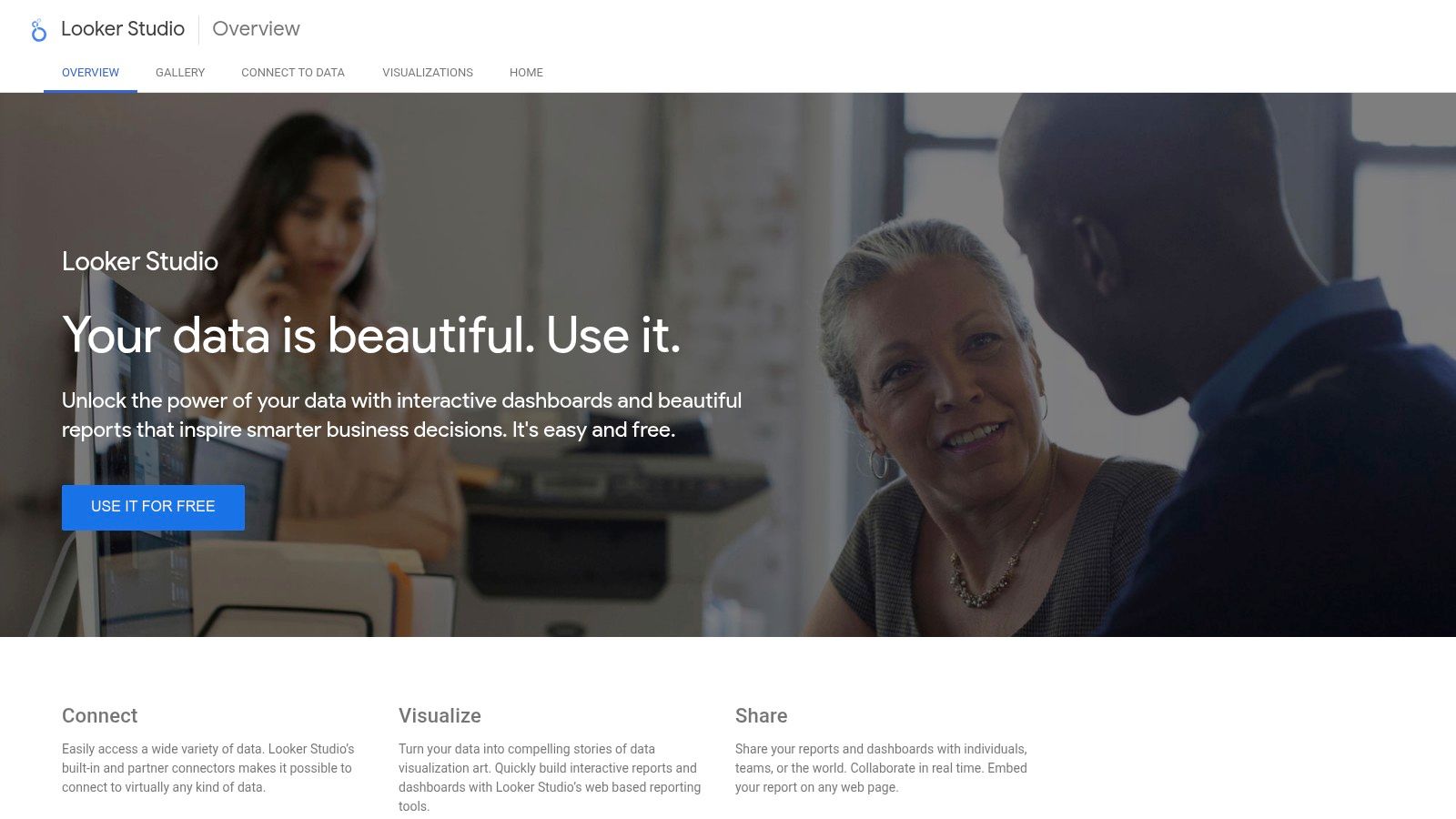
Looker Studio is not a data source itself, but rather a powerful, free data visualization and dashboarding platform from Google.
It earns its spot as one of the best SEO reporting tools because it empowers users to build completely custom, interactive dashboards by pulling data from multiple sources into one unified view. For teams heavily invested in the Google ecosystem, it is the go-to solution for creating comprehensive reports.
Its primary strength is its native, seamless integration with Google products like Google Analytics 4 (GA4), Google Search Console, and BigQuery.
This allows for the creation of sophisticated, blended data reports that show the full funnel from organic visibility to on-site user behavior without the need for complex API work or expensive third-party tools.
Key Reporting Features & Pricing
The core Looker Studio platform is completely free, offering unlimited report creation, dashboards, and viewing.
The platform relies on a vast library of “connectors” to pull in data. While native Google connectors are free, integrating data from non-Google platforms like Ahrefs, Semrush, or social media channels typically requires paid third-party connectors (e.g., from Supermetrics or Power My Analytics), which come with their own subscription costs. A “Looker Studio Pro” version exists for enterprise users, focusing on team management and governance features rather than new reporting capabilities.
- Pros:
- Completely free for its core dashboarding functionality.
- Deep, native integration with essential Google data sources (GA4, GSC).
- Highly customizable with a vast library of community and branded templates.
- Cons:
- Connecting to third-party data sources often requires extra monthly fees.
- Performance can slow down significantly with very large or complex data sets.
For SEO professionals who need to combine on-page, off-page, and business metrics into a single source of truth, Looker Studio provides unparalleled flexibility at a low entry cost. It is ideal for creating tailored reports that perfectly match client or stakeholder needs.
9. BrightLocal
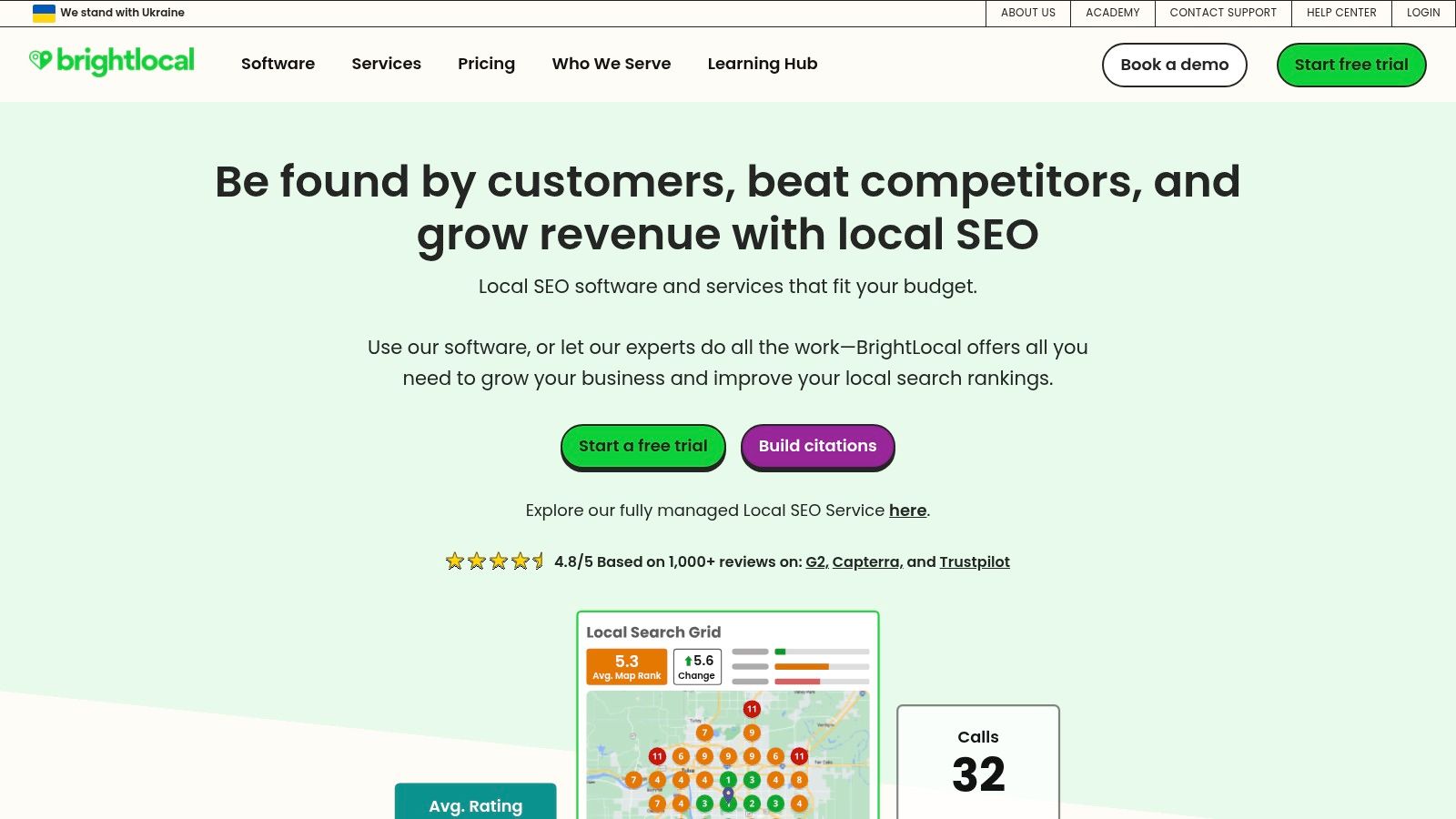
For agencies and businesses focused on dominating their local market, BrightLocal is one of the best SEO reporting tools available, period.
It’s a specialized platform designed entirely for local SEO, moving beyond general metrics to provide deep insights into what truly matters for location-based search visibility. Its strength is in its laser focus on local rank tracking, Google Business Profile (GBP) performance, citation management, and online reviews.
The platform makes it exceptionally simple to generate client-ready, white-label reports that clearly demonstrate local SEO progress.
Automation features allow you to schedule these reports to be sent directly to clients, showcasing improvements in local search rankings, GBP audits, and reputation management without manual intervention. This specialized approach makes it an indispensable tool for any local SEO campaign.
Key Reporting Features & Pricing
BrightLocal offers a straightforward pricing model that scales based on the number of locations you manage, making it affordable for single businesses and scalable for agencies.
The Single Business plan starts at $39/mo for up to 3 locations, offering core reporting features. The SEO Pro plan ($79/mo for 10 locations) is the most popular, unlocking full white-label reporting and API access for deeper integrations. Higher tiers simply expand the number of locations you can manage.
- Pros:
- Purpose-built for local SEO, with highly specific and relevant metrics.
- Granular reporting for local organic, Maps, and mobile search results.
- Excellent white-label and automated reporting features for agencies.
- Cons:
- Not suitable for national or international SEO campaigns.
- Its core features are less comprehensive for broader, non-local SEO needs.
For businesses that rely on foot traffic and local visibility, mastering this platform is key. It’s wise to understand the nuances of a powerful local SEO strategy to maximize the insights BrightLocal provides. Its focused toolset delivers actionable data that directly impacts local search performance.
10. Screaming Frog SEO Spider
Screaming Frog SEO Spider is the industry-standard desktop crawler, renowned for its depth and precision in technical SEO audits.
While not a cloud-based dashboard, its ability to crawl websites and export granular data makes it one of the best SEO reporting tools for specialists who need to diagnose complex technical issues.
Its strength lies in providing the raw, detailed data necessary to build foundational reports on site architecture, indexability, and on-page elements.
The platform excels at generating comprehensive crawl reports that identify broken links, redirect chains, duplicate content, and meta data issues.
By integrating with APIs from Google Analytics, Search Console, and PageSpeed Insights, users can overlay performance and user data directly onto the crawl data. This creates a powerful, multi-layered view of a site’s technical health, all within a single interface.
Key Reporting Features & Pricing
Screaming Frog offers a free version that can crawl up to 500 URLs, which is great for small sites or quick checks.
However, the paid license (£199/year) is essential for professional reporting. It unlocks unlimited crawls, scheduling, API integrations, and access to Looker Studio templates for visualizing crawl data.
The paid version allows users to save crawls and run them on a schedule, with the ability to export any dataset for use in other reporting tools like Excel or Looker Studio.
- Pros:
- Extremely detailed and granular data for technical SEO audits.
- Cost-effective flat annual fee for a powerful, unlimited tool.
- Operates locally on your desktop, allowing for offline work and data privacy.
- Cons:
- The interface and vast amount of data can be intimidating for beginners.
- As a desktop application, it is not cloud-based and relies on your computer’s resources.
For teams looking to build their SEO strategy on a solid technical foundation, mastering this tool is a must. You can explore how deep technical analysis powers growth by learning more about our technical SEO services. The depth of its reports is unmatched for troubleshooting complex site issues.
11. SEO PowerSuite
SEO PowerSuite offers a unique proposition in a market dominated by SaaS subscriptions.
It’s a suite of four powerful desktop applications that provides comprehensive SEO data and makes our list of the best SEO reporting tools due to its robust, one-time-fee licensing model. This structure is ideal for freelancers and agencies looking to control costs without sacrificing deep analytical capabilities.
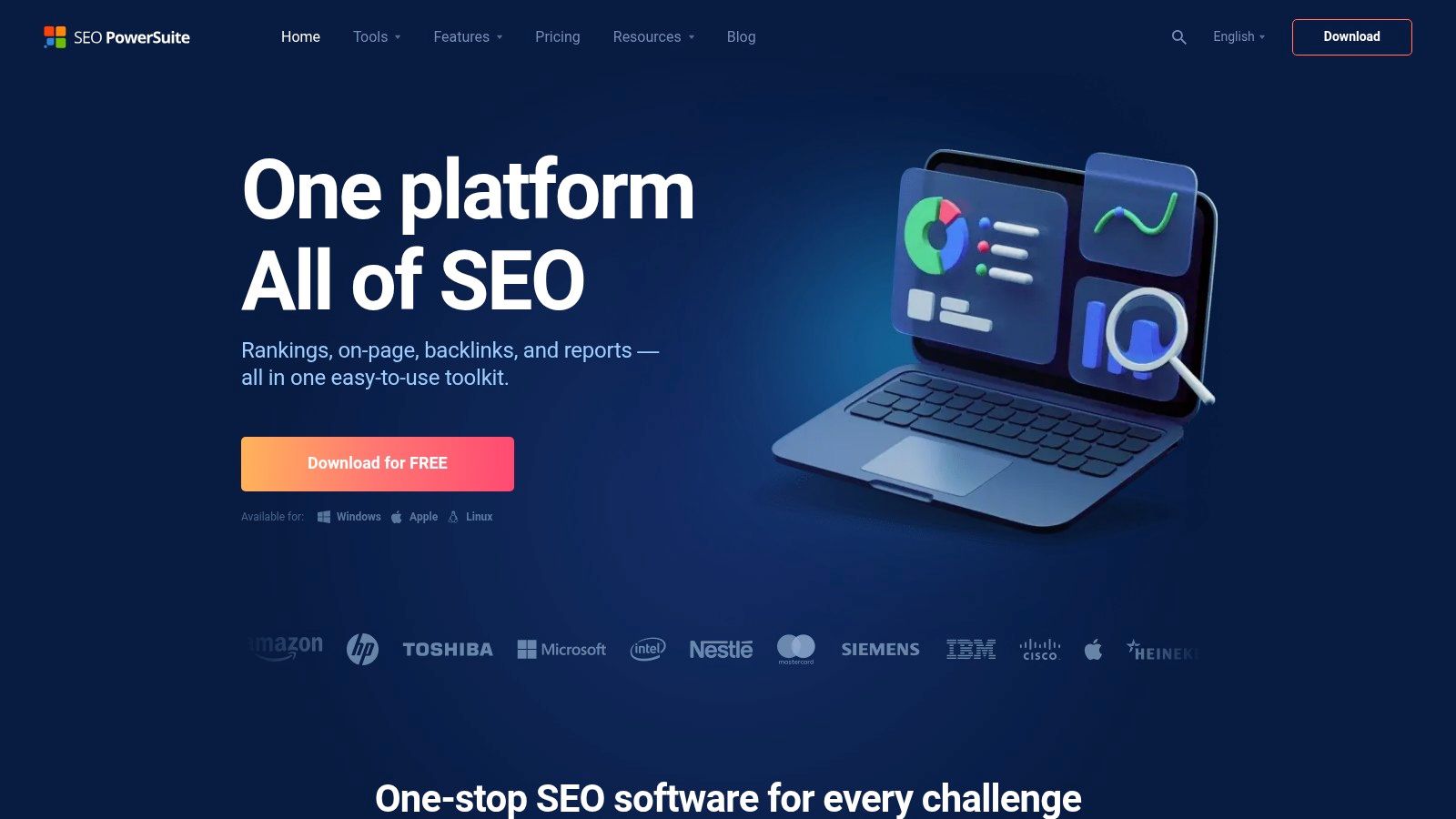
The platform’s strength lies in its highly customizable and white-label reporting features, available in the Enterprise version.
You can generate detailed reports covering rankings, on-page audits, backlink profiles, and link management activities.
Reports can be scheduled for automatic delivery to clients, streamlining communication and saving valuable time. Unlike web-based tools, all your project data is stored locally, offering an added layer of privacy and control.
Key Reporting Features & Pricing
SEO PowerSuite has a free version with limited functionality.
The real reporting power is unlocked with its paid licenses. The Professional license ($299/year) offers unlimited sites and keyword tracking but with no white-label or scheduled reports.
For full agency-level reporting, the Enterprise license ($499/year) is required. This one-time annual fee provides access to all four tools, complete with white-labeling, automated report scheduling, and data export options, presenting a significant cost advantage over monthly SaaS competitors.
- Pros:
- One-time annual licensing is significantly more cost-effective than recurring SaaS fees.
- Strong white-label and scheduled reporting capabilities in the Enterprise tier.
- Unlimited keyword and website tracking on all paid plans.
- Cons:
- Desktop-based workflow can feel clunky and less collaborative than cloud platforms.
- Cloud storage and sharing features are limited compared to SaaS competitors.
For businesses aiming to scale their outreach and link-building efforts, the data from SEO PowerSuite can be a game-changer. You can learn how a strong content marketing strategy complements the insights gained from such powerful tools. Its cost-effective model makes it a compelling choice for budget-conscious professionals who still demand in-depth reporting.
12. G2
While not a reporting tool itself, G2 is an essential research platform for anyone searching for the best SEO reporting tools. It serves as a comprehensive software marketplace, aggregating verified user reviews, detailed feature comparisons, and dynamic market grids. Its value lies in providing unbiased, peer-driven insights that help businesses evaluate and shortlist potential platforms before committing to a purchase.
The platform excels at distilling complex information into easily digestible formats. Users can filter tools by company size, market segment, and specific features, allowing for a highly targeted search. The signature G2 Grid Reports visually map out vendors based on market presence and user satisfaction, offering a clear snapshot of the competitive landscape. This functionality is invaluable for comparing pricing, sentiment, and core capabilities side-by-side.
Key Reporting Features & Pricing
G2’s platform is free to use for buyers researching software. The “reporting” aspect comes from the market intelligence it provides. Its SEO category pages feature detailed breakdowns of each listed tool’s features, user reviews, and pricing snapshots where available. The platform’s value is in the pre-purchase phase, helping you understand the real-world performance and user experience of various SEO reporting solutions before you invest. It centralizes information that would otherwise require hours of research across multiple vendor websites.
- Pros:
- Access to thousands of verified, up-to-date peer reviews and ratings.
- Powerful side-by-side comparison features help shortlist tools based on specific needs.
- Helps businesses make informed purchasing decisions that fit their budget and requirements.
- Cons:
- It’s a research aggregator, not a direct reporting tool; purchases are made through vendors.
- Information can sometimes be overwhelming without clear initial criteria.
For teams in the evaluation stage, G2 is a crucial first stop to understand the market and identify top contenders that align with their reporting goals and operational scale.
Website: https://g2.com/categories/seo-tools
Top 12 SEO Reporting Tools Feature Overview
| Tool | Core Features ✨ | User Experience ★★★★☆ | Value Proposition 💰 | Target Audience 👥 | Unique Selling Points 🏆 | Price Points 💰 |
|---|---|---|---|---|---|---|
| Semrush | Position tracking, site audit, backlink & keyword data | Comprehensive & robust, steep learning curve | Powerful all-in-one SEO suite | Agencies, in-house SEO teams | API access, Looker Studio integration, competitive intelligence ✨ | Higher tiers can be costly |
| Ahrefs | Backlink & keyword explorer, site audit, rank tracking | Clear reporting, strong backlink index | Premium backlink research & competitor insights | SEO professionals, link builders | Top-tier backlink data, SERP history | Higher entry pricing |
| Moz Pro | Rank tracking, site audits, branded reports | User-friendly, intuitive interface | Good for SMBs & growing teams | SMBs, growing businesses | Reputable link metrics (DA/PA) | Mid-range, data limits by tier |
| SE Ranking | Rank tracking, audits, keyword & backlink research | Flexible projects, AI-driven insights | Strong value at affordable pricing | Agencies, small-medium businesses | AI summaries, unlimited scheduling reports | Budget-friendly |
| AgencyAnalytics | Dashboarding, client reports, 80+ app integrations | Fast deployment, scales well with clients | Efficient multi-client reporting tool | Agencies managing many clients | Custom metrics, client portals, API & white-label | Transparent, tiered pricing |
| DashThis | Prebuilt SEO templates, email/PDF reports | Simple setup, good for non-technical users | Quick client-friendly reporting | Non-technical marketing teams | Easy-to-use, predictable pricing by dashboard count | Pricing scales by number of dashboards |
| Databox | BI dashboards, AI summaries, 130+ data connectors | Advanced analytics, executive-focused reports | Deep data connectivity & forecasting | Executives, data analysts | AI insights, SQL and spreadsheet connectors | Some features cost extra |
| Looker Studio | Unlimited reports, Google data connectors | Highly customizable, free core product | Free with broad Google integration | All SEO users & teams | Free tier, team sharing, large connector ecosystem | Mostly free, some connectors paid |
| BrightLocal | Local rank tracking, GBP audit, listings & reviews | Local SEO focused, granular location reports | Tailored for local SEO success | Local businesses & agencies | Local SEO specialization, white-label reports | Clear, location-based tiers |
| Screaming Frog SEO Spider | Desktop crawler, technical audits, API integrations | Detailed technical SEO, requires technical skills | Industry standard for deep audits | SEO specialists, technical SEOs | Offline desktop tool, JS rendering, Looker Studio templates | One-time flat annual license |
| SEO PowerSuite | Desktop SEO apps for rank, audit, backlinks | Desktop workflow, white-label reports | Cost-effective annual licensing | Agencies wanting desktop tools | One-time license, no ongoing SaaS fees | One-time annual license |
| G2 | SEO tool category grids, pricing & reviews | Up-to-date user reviews, easy vendor comparison | Helps shortlist best-fit SEO tools | All software buyers | Verified reviews, seasonal grid reports | Free |
Choosing Your Tool and Partner for SEO Success
Navigating the landscape of SEO reporting tools can feel overwhelming, but making an informed choice is the first step toward transforming raw data into a powerful growth engine. We’ve journeyed through a comprehensive list of contenders, from all-in-one powerhouses like Semrush and Ahrefs to specialized reporting dashboards like AgencyAnalytics and DashThis. Each platform offers a unique lens through which to view your website’s performance, technical health, and competitive standing.
The right tool for you hinges entirely on your specific context. A small local business might find immense value in BrightLocal’s focused GMB and citation tracking, whereas a data-driven SaaS company may lean on Looker Studio’s unparalleled customization to integrate SEO metrics with broader business intelligence. The key is to look beyond feature lists and align your choice with your team’s size, budget, technical expertise, and ultimate strategic goals.
Key Takeaways for Selecting Your SEO Reporting Tool
Making the final decision requires a strategic evaluation. Remember that the “best” tool is not a universal title; it’s the one that best fits your operational workflow and provides the most actionable intelligence for your unique challenges.
Here are the critical factors to consider as you finalize your choice:
- Integration and Scalability: Does the tool connect with other software in your marketing stack (e.g., Google Analytics, social media platforms, CRM)? More importantly, can it grow with you? A tool like Databox, with its vast library of integrations, is built for a connected ecosystem, while a suite like SE Ranking offers a scalable feature set that accommodates growth without an enterprise-level price tag.
- Customization vs. Simplicity: Determine your need for bespoke reporting. If you require deep, granular control over every widget and data source, Looker Studio is your ideal canvas. Conversely, if you need to generate professional, easy-to-understand reports quickly, platforms like DashThis and AgencyAnalytics provide robust templates that prioritize efficiency and clarity.
- Data Accuracy and Freshness: The value of a report is directly tied to the reliability of its data. Consider how often each tool updates its keyword rankings, backlink indexes, and site audit crawls. For time-sensitive campaigns, the near-real-time data from top-tier platforms can provide a significant competitive advantage.
- Beyond Reporting – The Actionability Factor: A great report doesn’t just present data; it inspires action. Tools like Moz Pro and Semrush excel at providing clear, prioritized recommendations. They don’t just tell you a page has an issue; they explain why it’s an issue and provide concrete steps to fix it. This is the crucial bridge between insight and implementation.
From Data to Dominance: Your Next Steps
Ultimately, finding the best SEO reporting tools is only half the battle. The most sophisticated software in the world is only as effective as the strategy guiding it and the expertise interpreting its output. A tool can show you a drop in rankings, but it takes human insight to connect that drop to a recent algorithm update, a competitor’s new content strategy, or a subtle shift in user search intent. The data provides the ‘what,’ but a skilled analyst provides the ‘why’ and the ‘what’s next.’
This is where the synergy between technology and expertise truly shines. The tools we’ve discussed are the instruments, but a successful SEO campaign is the symphony. It requires a conductor who can orchestrate keyword research, content creation, technical optimization, and link-building into a cohesive strategy that drives measurable results. Don’t let your investment in a powerful tool go to waste by failing to connect its insights to a larger, growth-focused plan.
At Visibility Ventures, we combine the power of industry-leading reporting tools with expert-led strategy to deliver tangible ROI. We use this data to fuel strategies that have helped our clients achieve an average 150% boost in organic traffic. If you’re ready to see how a data-driven partner can turn your SEO reports into real-world results, get your free 10-page SEO audit from Visibility Ventures today.